Updated! Facebook image sizes for 2026 are crucial for effective usage. The right image size matters far more than just posting an image because if the image is cropped incorrectly, the aspect ratio is off, or the file quality is poor, it can have a significant impact on your brand’s image.
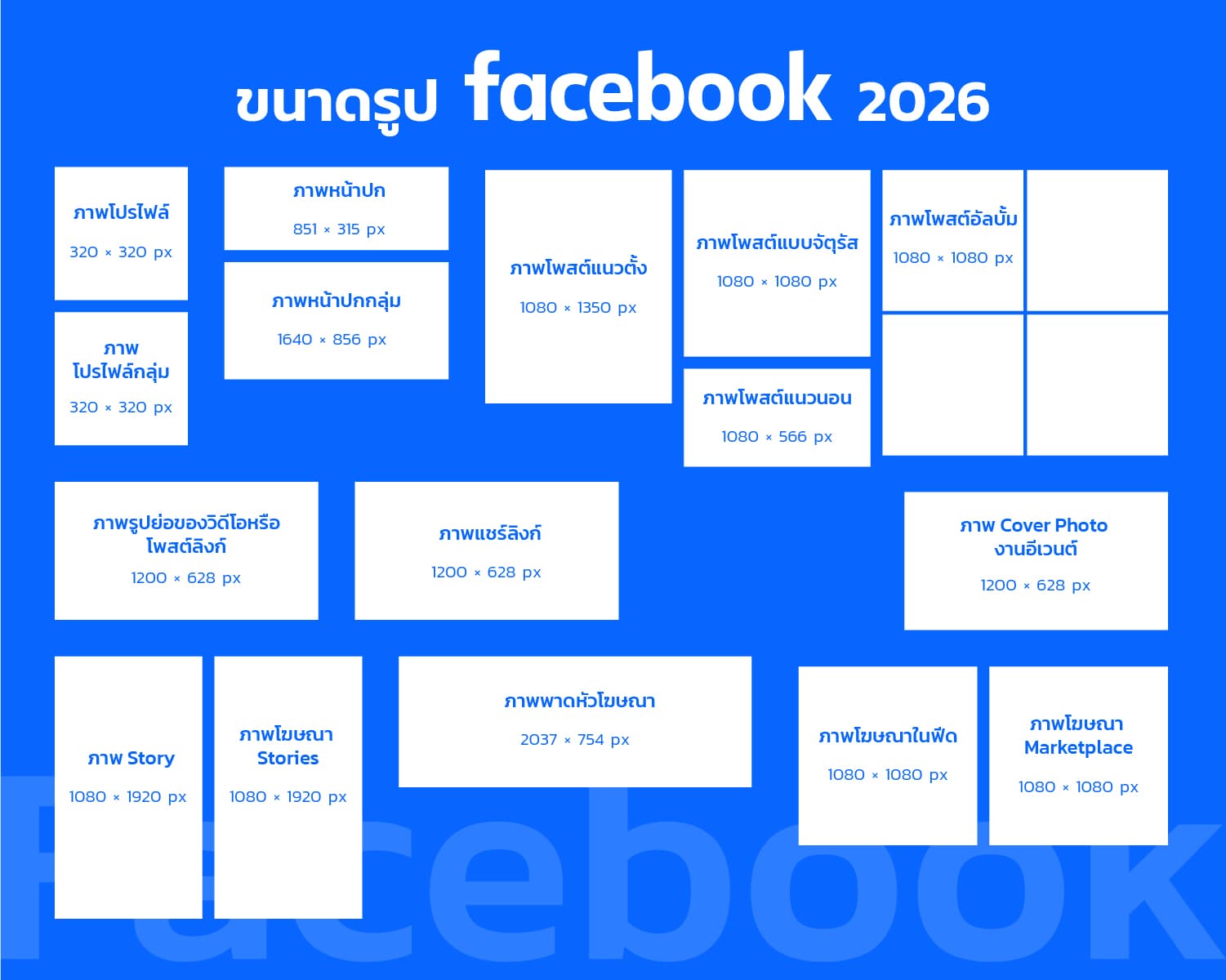
Today, let’s update you on everything—from profile pictures and cover photos to post images, news, Stories, ads, Marketplace images, and Carousel images. We’ll cover all 16 essential image sizes for 2026, along with real-world usage examples, so you can design, create posts, and manage images on your Facebook page like a pro. No more worrying about which device your post looks good on or whether it will get cropped on mobile or desktop. Let’s get started!
Why is Image Size Important on Facebook?
Before we dive into the Facebook image sizes for 2026, it’s important to understand why image size and aspect ratio matter, especially in the context of Facebook post images that most users will see on their mobile devices.
- Incorrectly sized images may be auto-cropped, cutting off important elements like logos or text.
- Low-quality images can appear blurry or compressed, lowering the credibility of your post.
- Improper aspect ratios that don’t fit mobile or desktop screens lead to poor user experiences where the visible content doesn’t match the design.
- Using the wrong size across multiple channels (pages, posts, Stories, ads) can require you to modify posts into multiple versions, wasting time and effort.
Knowing and using the correct Facebook image sizes for 2026 will ensure better communication of your brand’s message, reduce mistakes, and save time spent adjusting images for different platforms.
16 Facebook Image Sizes for 2026 and How to Use Them
Here are 16 recommended Facebook image sizes for 2026, along with the details of their dimensions, aspect ratios, and real-world usage examples:
1. Page Profile Picture
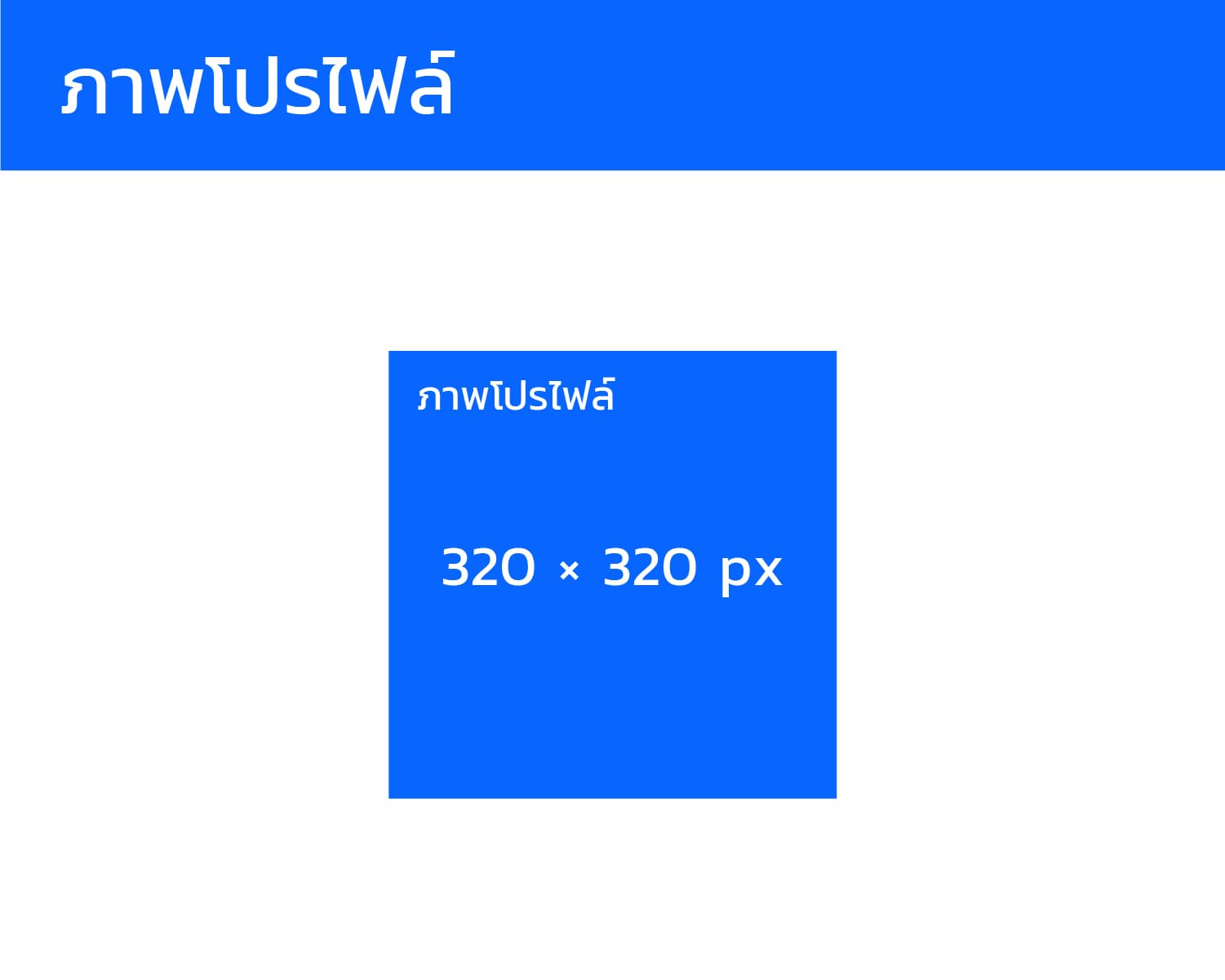
- Recommended Size: 320 x 320 pixels (or higher, 1:1 aspect ratio)
- Usage: Use your brand logo or symbol in the center, as this image will be displayed as a circle in various locations.
- Example: A company’s fan page uses a PNG logo with a transparent background, sized 320x320, for clarity on mobile devices.
2. Page Cover Photo
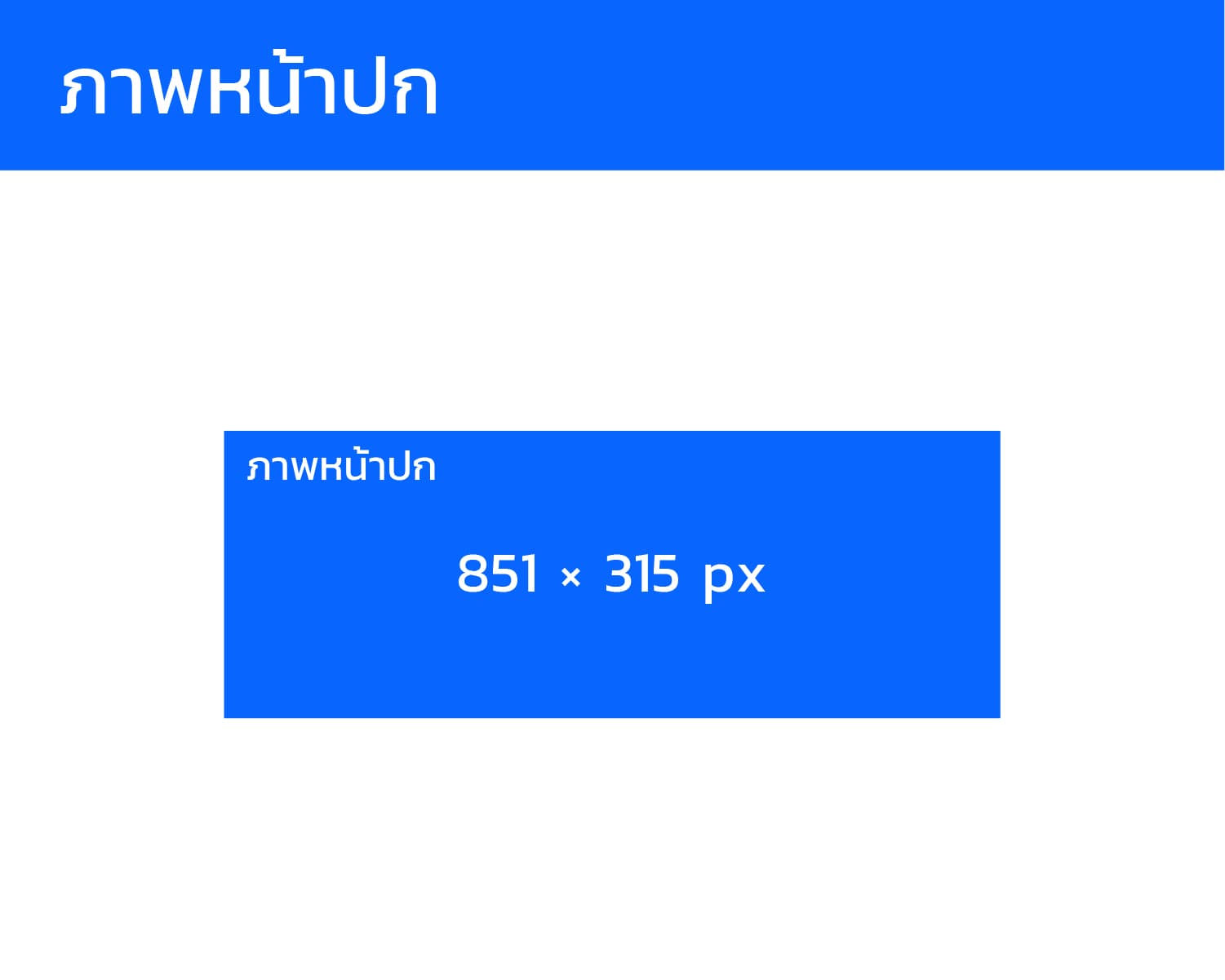
- Recommended Size: 851 x 315 pixels (Desktop) or 640 x 360 pixels (Mobile)
- Usage: Place your logo or key message in the center, ensuring there’s enough safe space around it for mobile cropping.
- Example: A brand uses a solid background color that matches their logo, with the message "Welcome" in the center.
3. Square Post Image
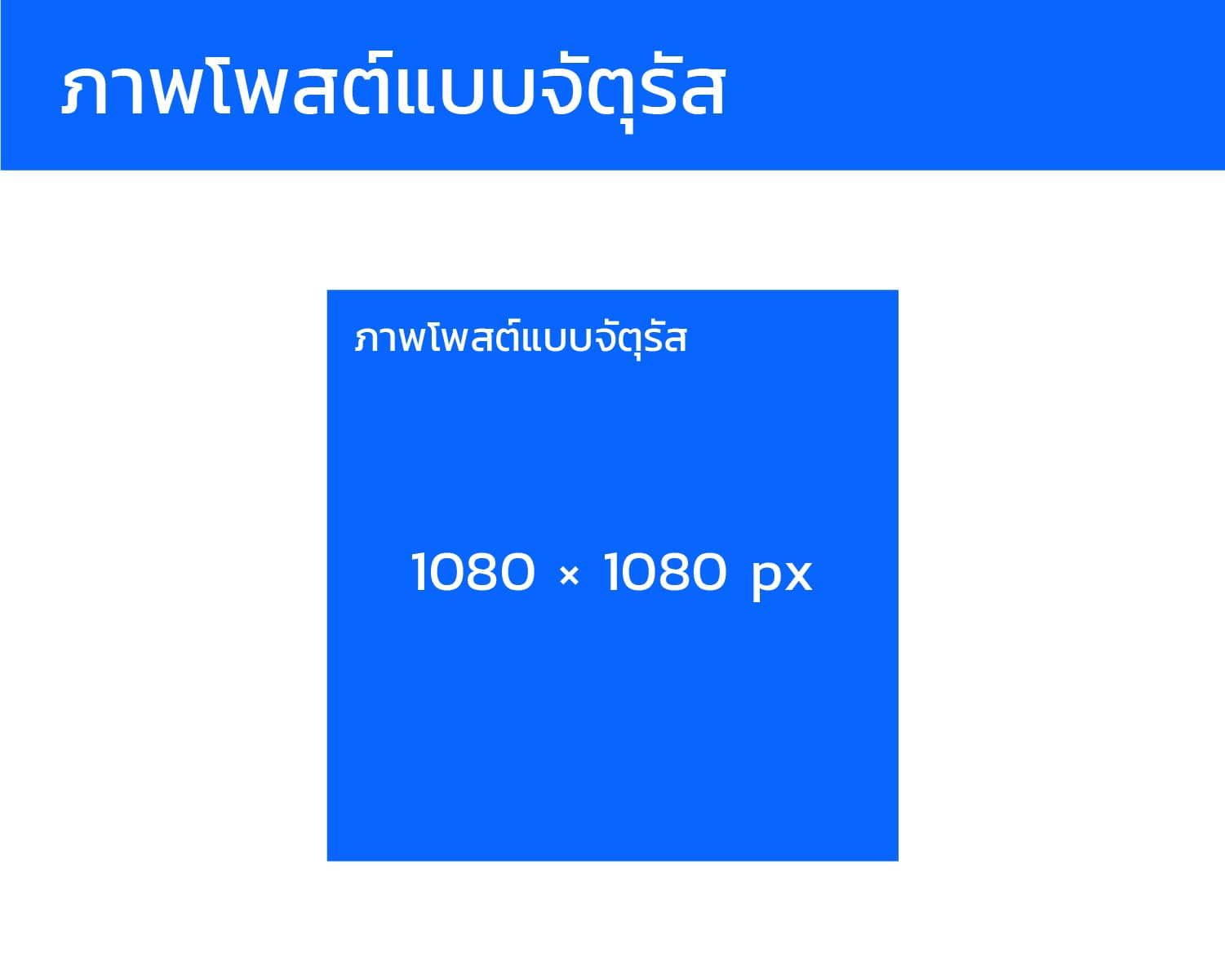
- Recommended Size: 1080 x 1080 pixels (or 1200 x 1200 pixels)
- Aspect Ratio: 1:1
- Usage: Ideal for posts that should display perfectly on both mobile and desktop, such as inspirational quotes or promotions.
- Example: A "50% off promotion" post uses a 1080x1080 image with a prominent logo and bold text in the center.
4. Portrait Post Image
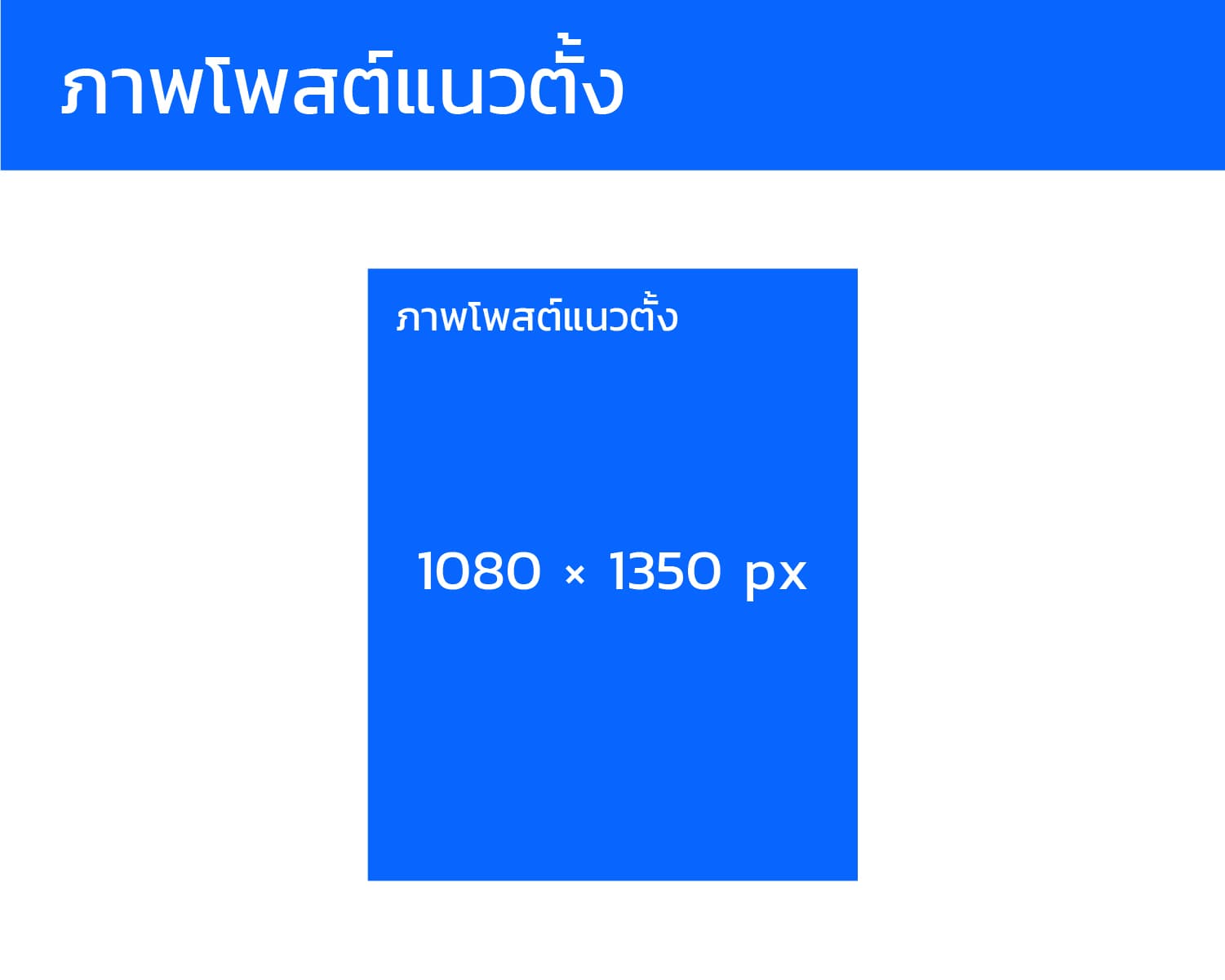
- Recommended Size: 1080 x 1350 pixels (4:5 aspect ratio)
- Usage: Best suited for mobile, as it takes up more of the screen space.
- Example: A post showcasing a new product uses a portrait image so users see the full picture when scrolling.
5. Landscape Post Image
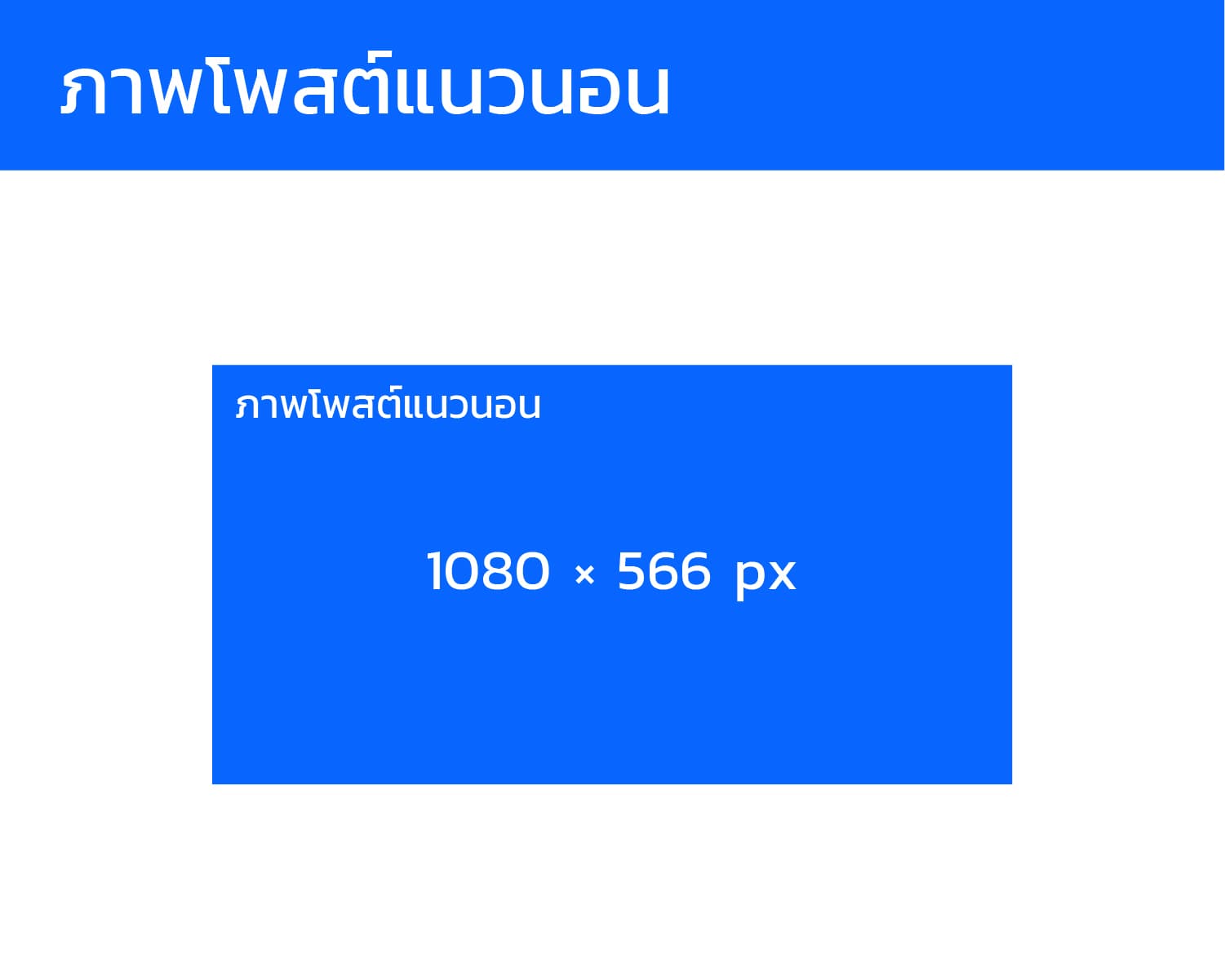
- Recommended Size: 1080 x 566 pixels (1.91:1 aspect ratio)
- Usage: Ideal for landscape shots or images with wide elements.
- Example: A team photo from the company headquarters uses a 1080x566 size to capture the full image without cutting important details.
6. Link Preview Image
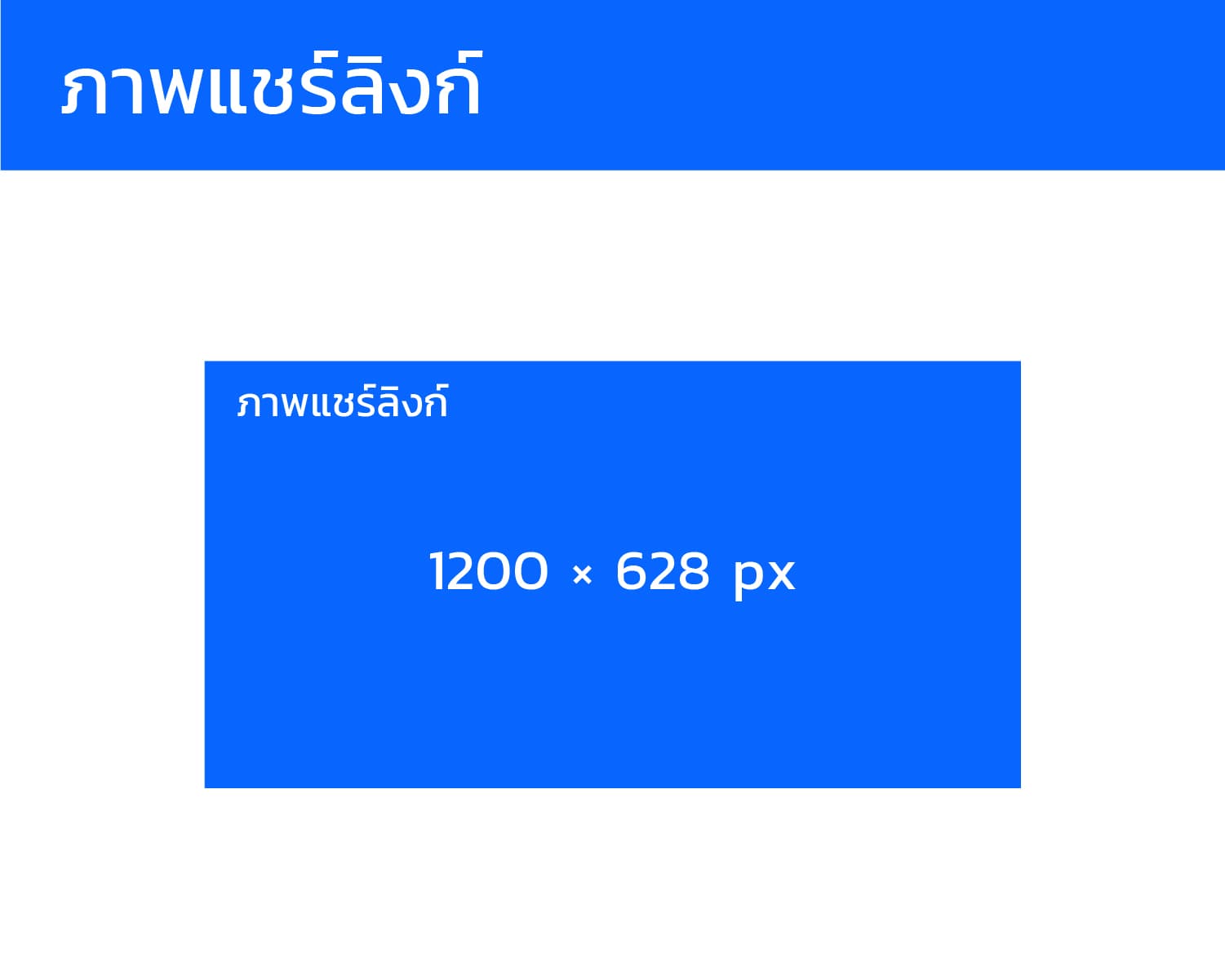
- Recommended Size: 1200 x 628 pixels (1.91:1 aspect ratio)
- Usage: When you share a link from your website, this image will be used as a preview of the article or page.
- Example: Sharing a company article ensures the 1200x628 image looks sharp on both desktop and mobile.
7. Facebook Story Image
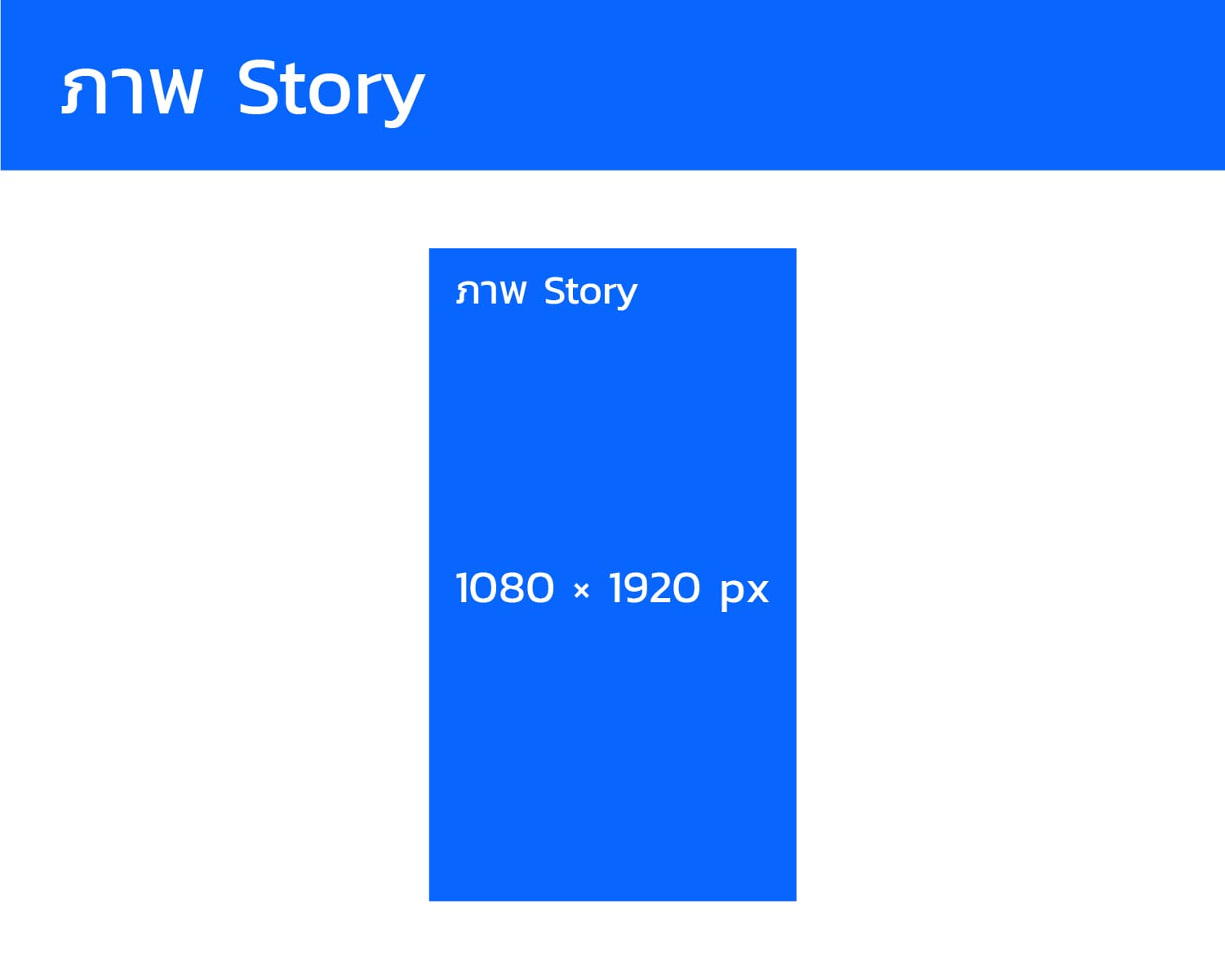
- Recommended Size: 1080 x 1920 pixels (9:16 aspect ratio)
- Usage: Used for stories that appear fullscreen on mobile.
- Example: A behind-the-scenes post with the message "Behind the Scenes" and a poll sticker uses a 1080x1920 image.
8. Event Cover Photo
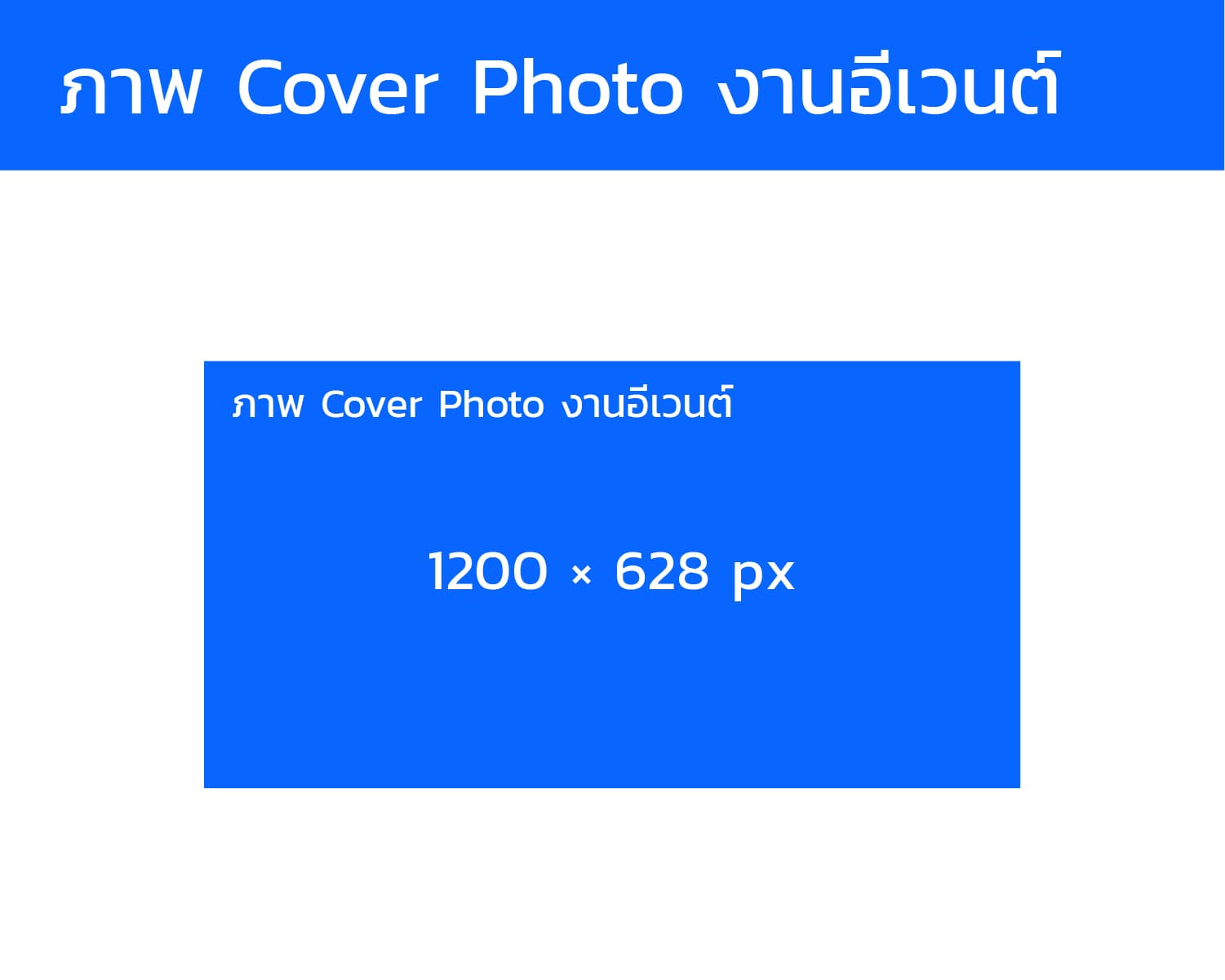
- Recommended Size: 1200 x 628 pixels or 1920 x 1005 pixels (for higher resolution)
- Usage: Used for events to promote upcoming activities.
- Example: An event cover features a large background image with the event name in the center.
9. Group Cover Photo
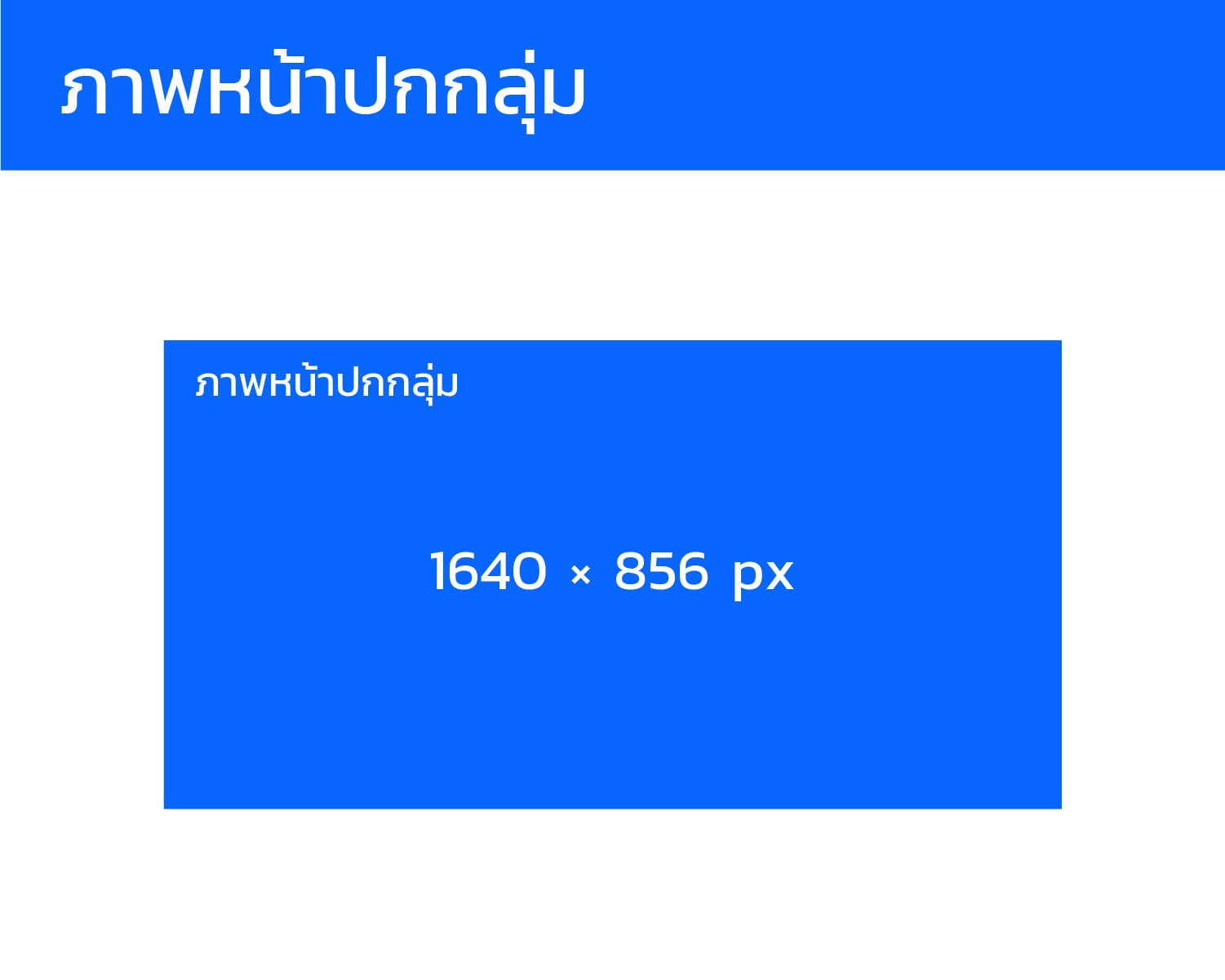
- Recommended Size: 1640 x 856 pixels (1.91:1 aspect ratio)
- Usage: Ideal for Facebook groups created by the company.
- Example: A customer group uses a 1640x856 image with the team on the right side and the logo on the left.
10. Feed Ad Image (Facebook Ads)
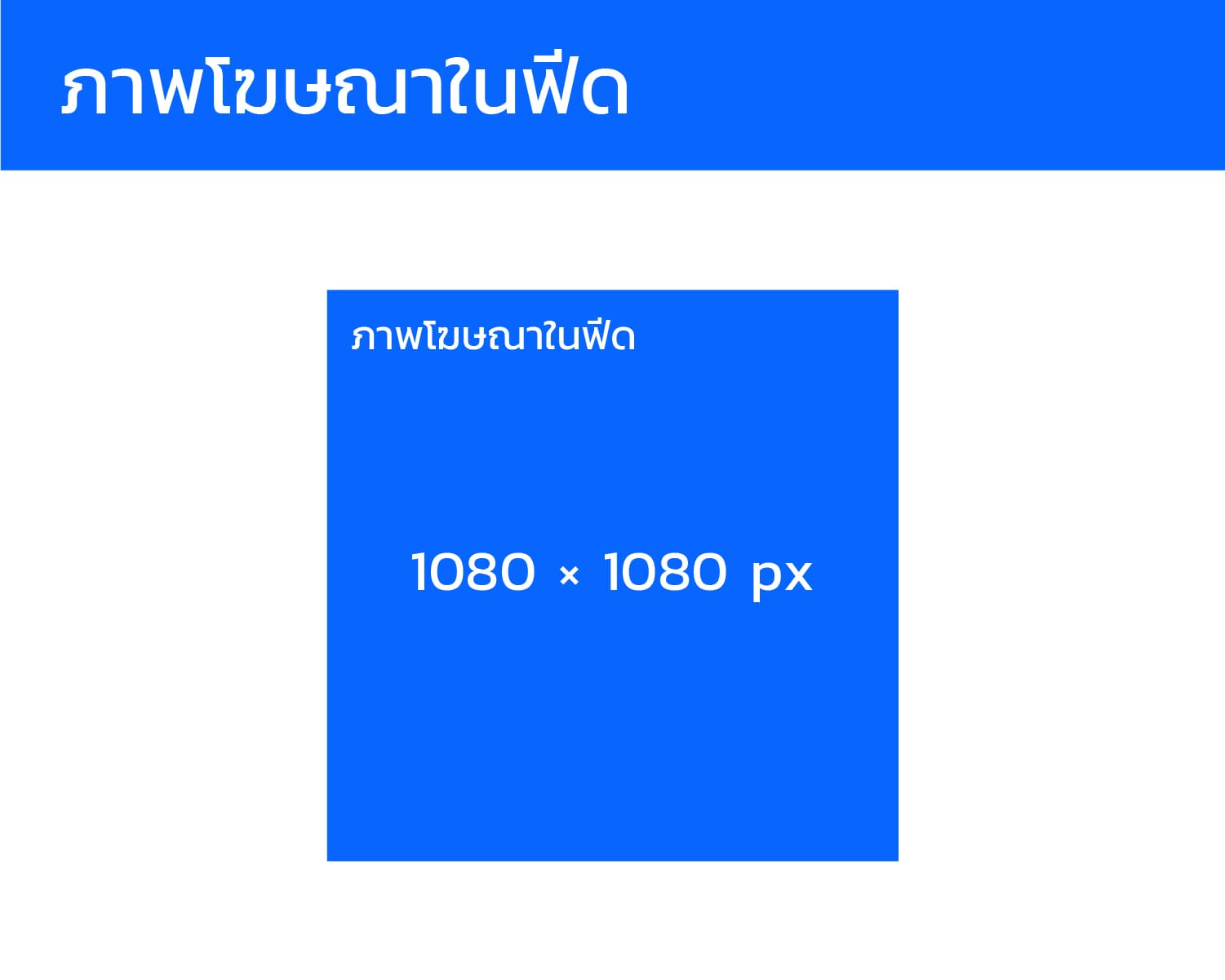
- Recommended Size: 1080 x 1080 pixels (1:1) or 1080 x 566 pixels (1.91:1) or 1440 x 1800 pixels (4:5)
- Usage: Used in Facebook ads designed to encourage clicks or engagement.
- Example: An ad for a product uses a 1080x1080 image with a CTA button that says "Buy Now".
11. Stories Ad Image
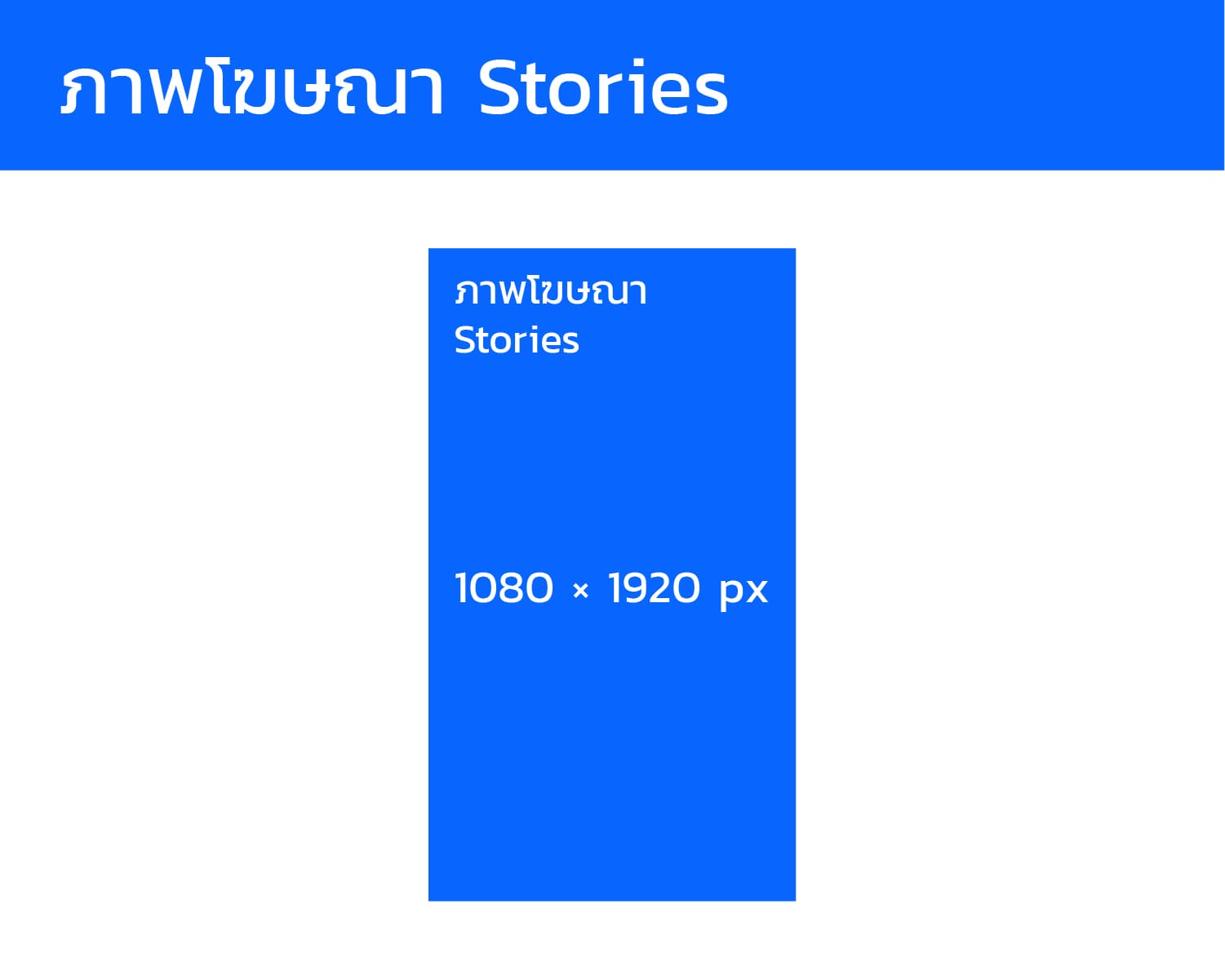
- Recommended Size: 1080 x 1920 pixels (9:16 aspect ratio)
- Usage: Ads in story format that take up the entire mobile screen.
- Example: A new campaign launch uses a 1080x1920 image with key results and a logo.
12. Marketplace Image (Facebook Marketplace)
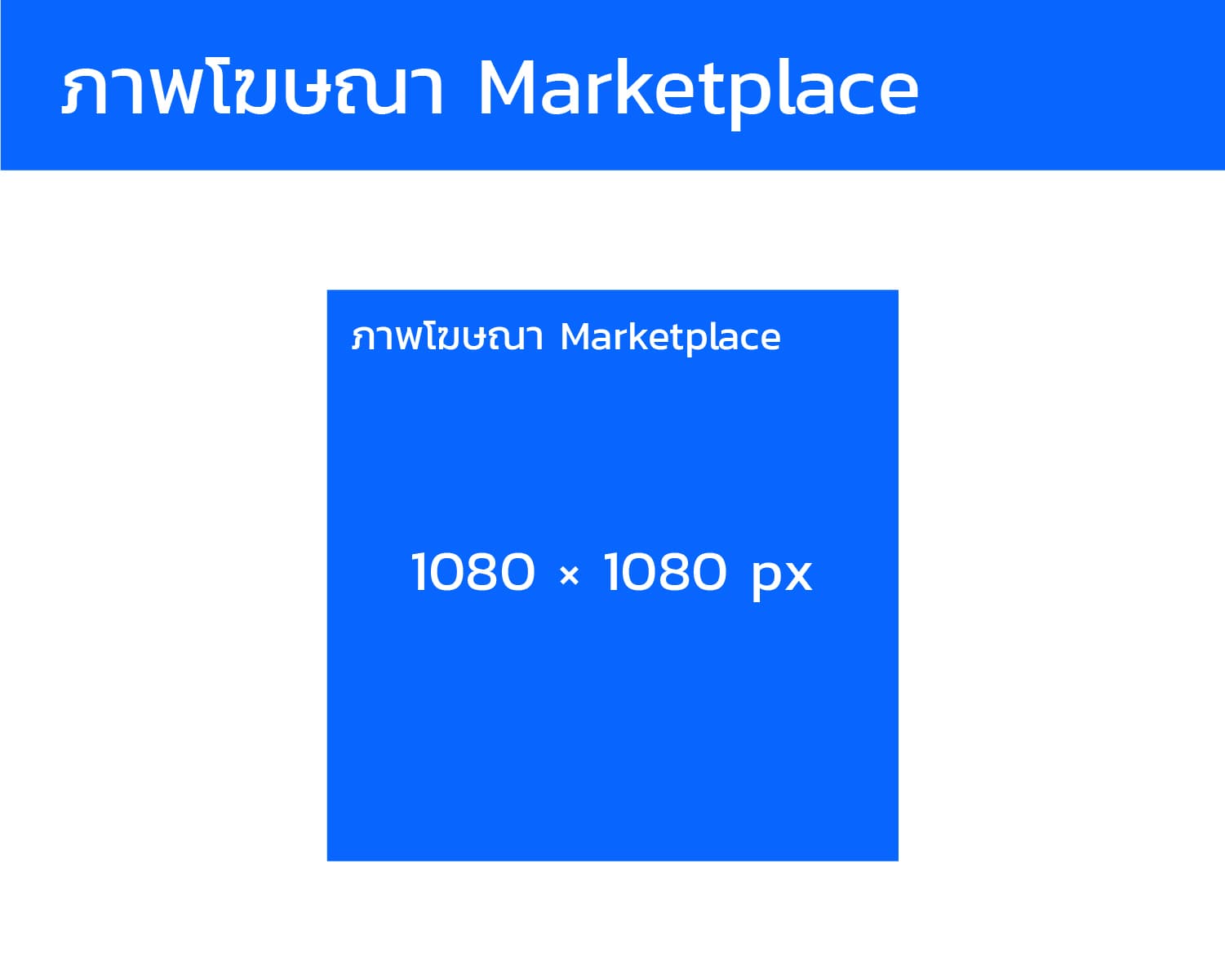
- Recommended Size: 1080 x 1080 pixels (1:1 aspect ratio)
- Usage: For items listed on Facebook Marketplace for selling and buying.
- Example: A used product listing uses a 1080x1080 image with a white background.
13. Carousel Images
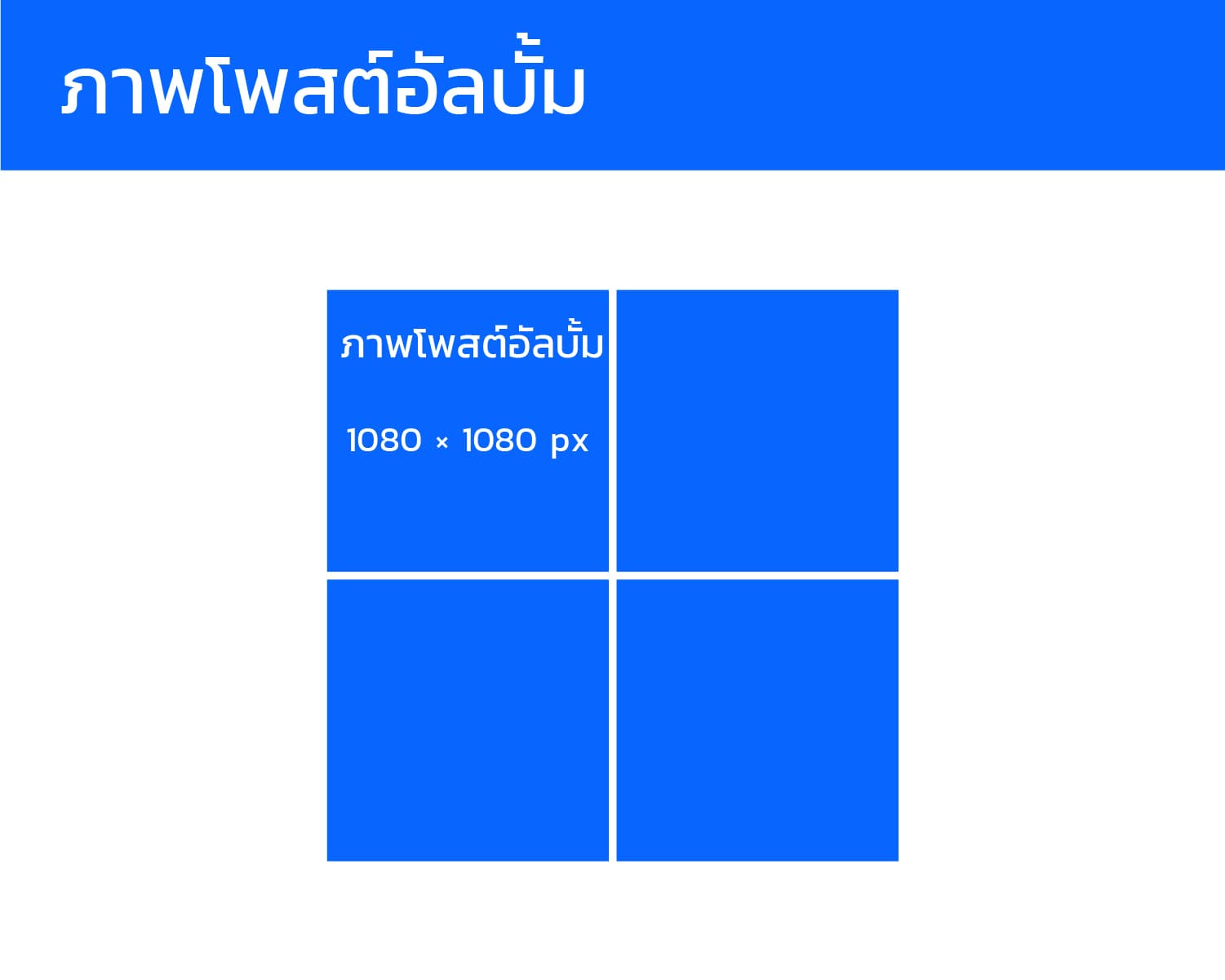
- Recommended Size: 1080 x 1080 pixels for each image in the Carousel (1:1 aspect ratio)
- Usage: Used for posts with multiple images telling one story, such as product usage steps.
- Example: A product walkthrough uses five 1080x1080 images in a carousel with arrows to navigate through the images.
14. Thumbnail (Video or Link Post Thumbnail)
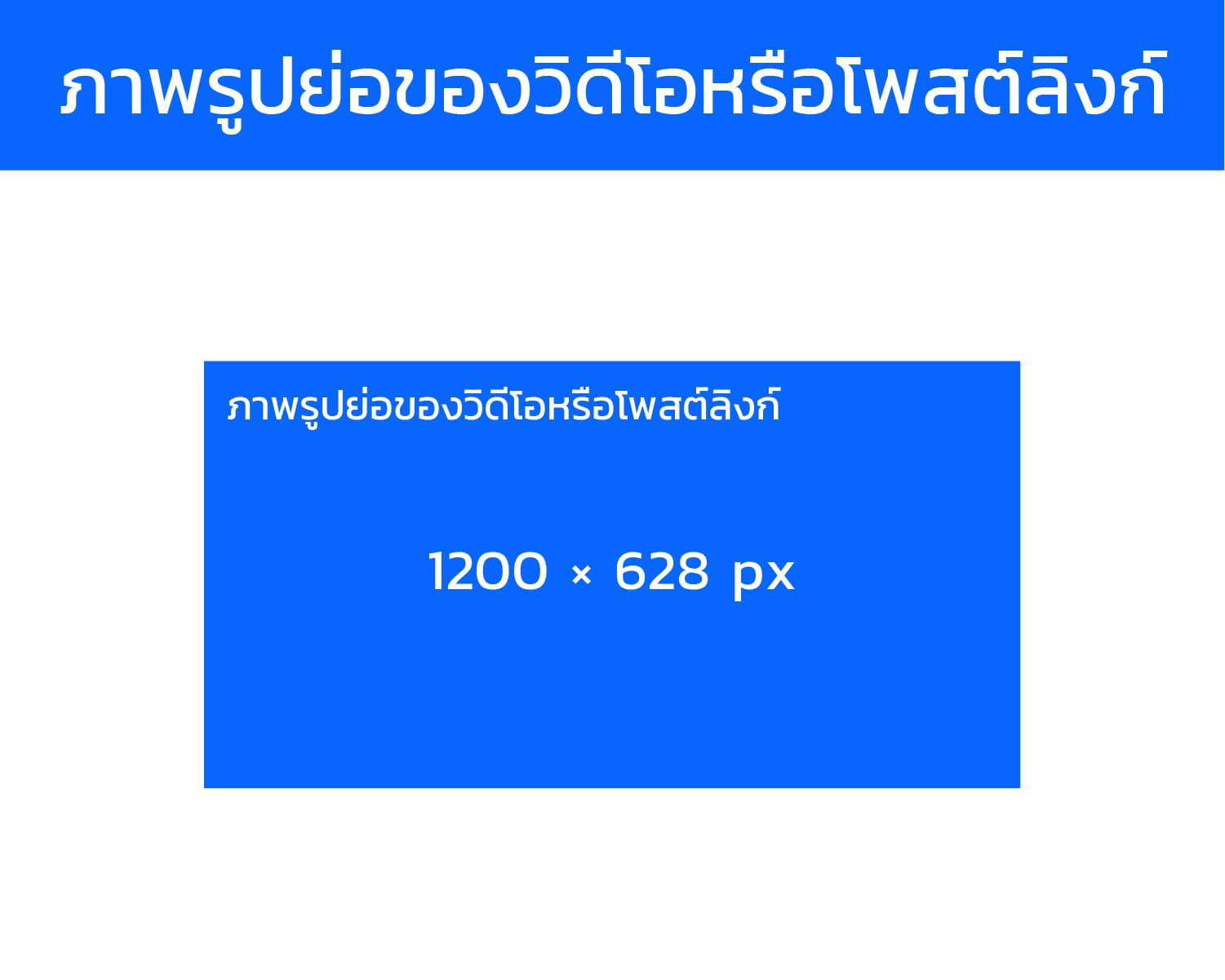
- Recommended Size: 1200 x 628 pixels (same as Link Preview) or 1080 x 566 pixels
- Usage: Used for video thumbnails or image previews when sharing a link.
- Example: A shared video has a 1200x628 thumbnail with the text "Watch Now" overlaid.
15. Group/Page Profile Image
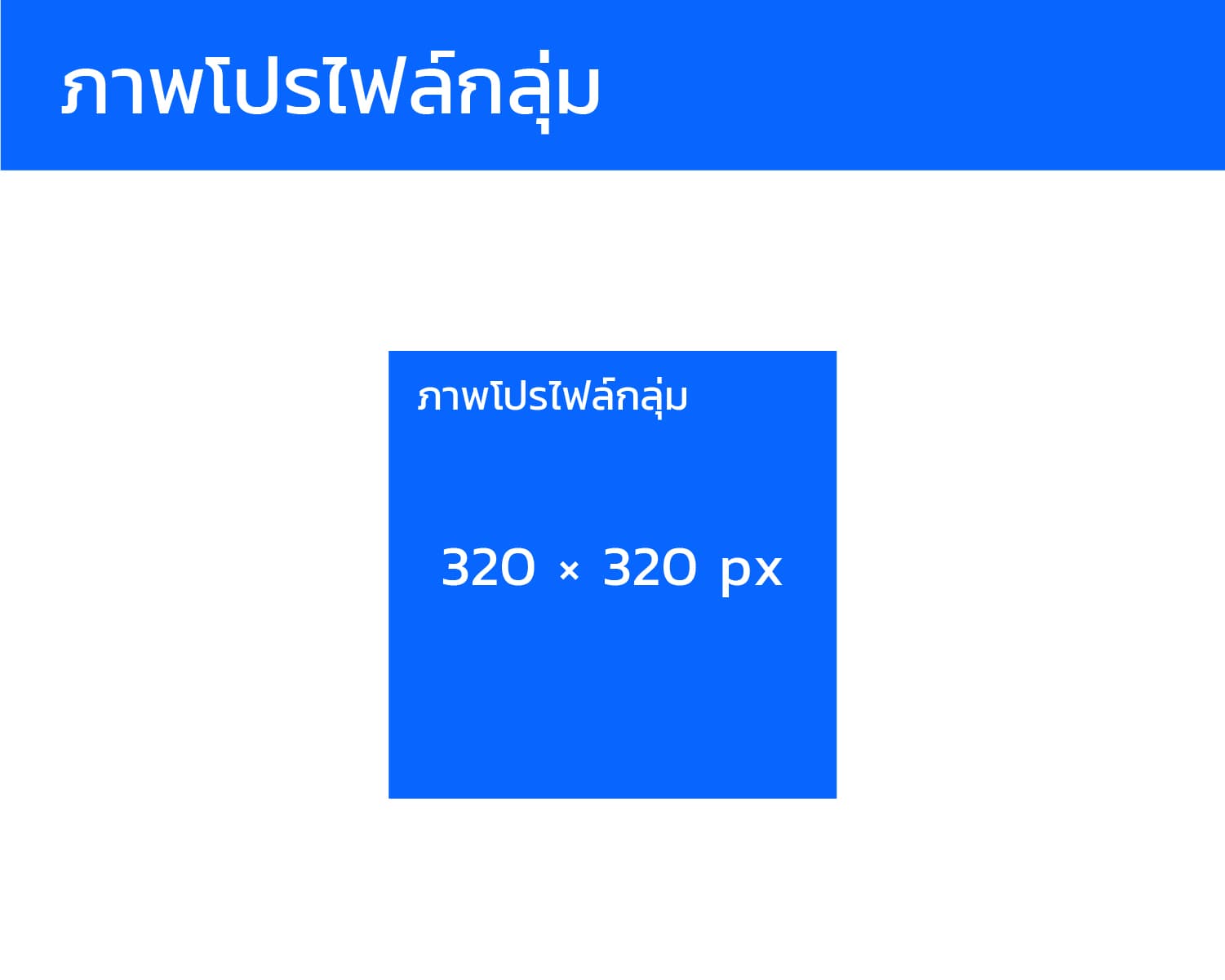
- Recommended Size: 320 x 320 pixels or 400 x 400 pixels or higher (1:1 aspect ratio)
- Usage: Use your brand’s logo for Facebook groups or sub-organizations.
- Example: A customer group uses a 400x400 logo as its profile image.
16. Advertising Headline Image
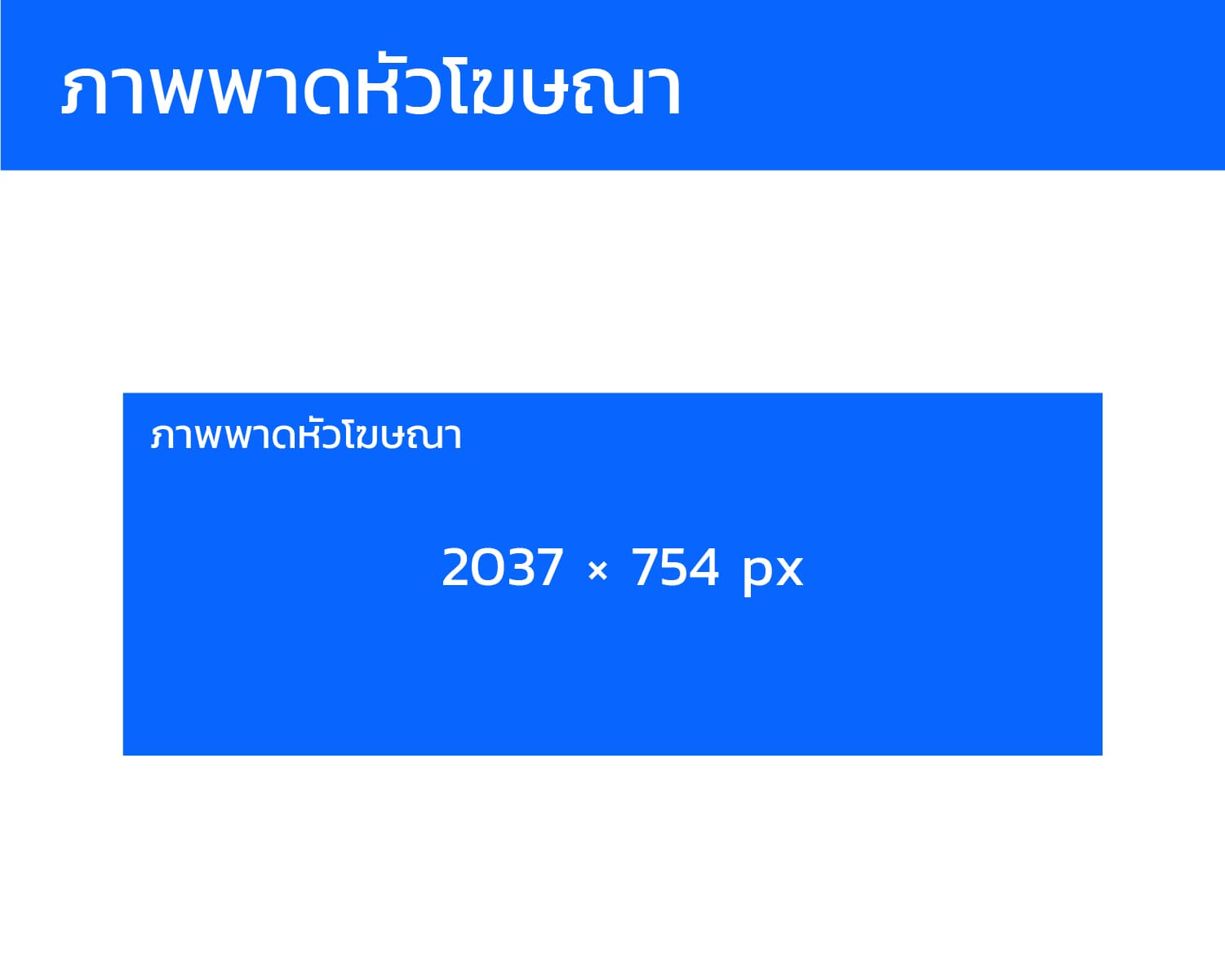
- Recommended Size: 2037 x 754 pixels (desktop)
- Usage: Used for large campaigns to display high-quality images on page or app features.
- Example: A brand’s homepage features a 2037x754 image as a campaign headline for the annual sale.
Real-World Usage Example
- If you’re a cosmetics brand posting a "30% off" promotion on your fan page, choose a Square Post Image of 1080 x 1080 pixels to ensure it displays well on both mobile and desktop.
- For a product launch event, use a 1200 x 628 pixels Event Cover Photo or higher-resolution 1920 x 1005 to ensure it displays perfectly across all devices.
- When running an ad on Stories, use a 1080 x 1920 pixels image for full-screen visibility on mobile, placing your logo centrally and leaving space on the top and bottom to avoid UI overlap.
Additional Tips for Effective Usage
- Ensure your image files are in JPG or PNG format and that the file size is not too large (recommendation: < 100KB for cover images).
- Leave a "safe zone" (especially for cover photos and Stories), as Facebook may crop images on different devices.Use sRGB for color consistency across different devices.
- Use sRGB for color consistency across different devices.
- For Carousel posts, ensure each image has the same size and aspect ratio for a seamless viewing experience.
- Test posts on both mobile and desktop before publishing to make sure no text or logos are cropped.
Conclusion
The 16 Facebook image sizes for 2026 outlined above, when used correctly, will help you create high-quality posts that display properly on both mobile and desktop. This will reduce cropping or slow loading issues while maintaining your brand’s professional image.
Choosing the right size for Facebook post images is crucial, as it enhances visibility and ensures your message is communicated clearly. With the right image sizes